
Does DTNT work on Windows only?
Yes. DTNT is built for Windows 10 and Windows 11.
DTNT helps you get oriented fast. Check nearby Wi-Fi, scan the local range, copy an IP, run a speed test, and understand the network in front of you from one Windows app.
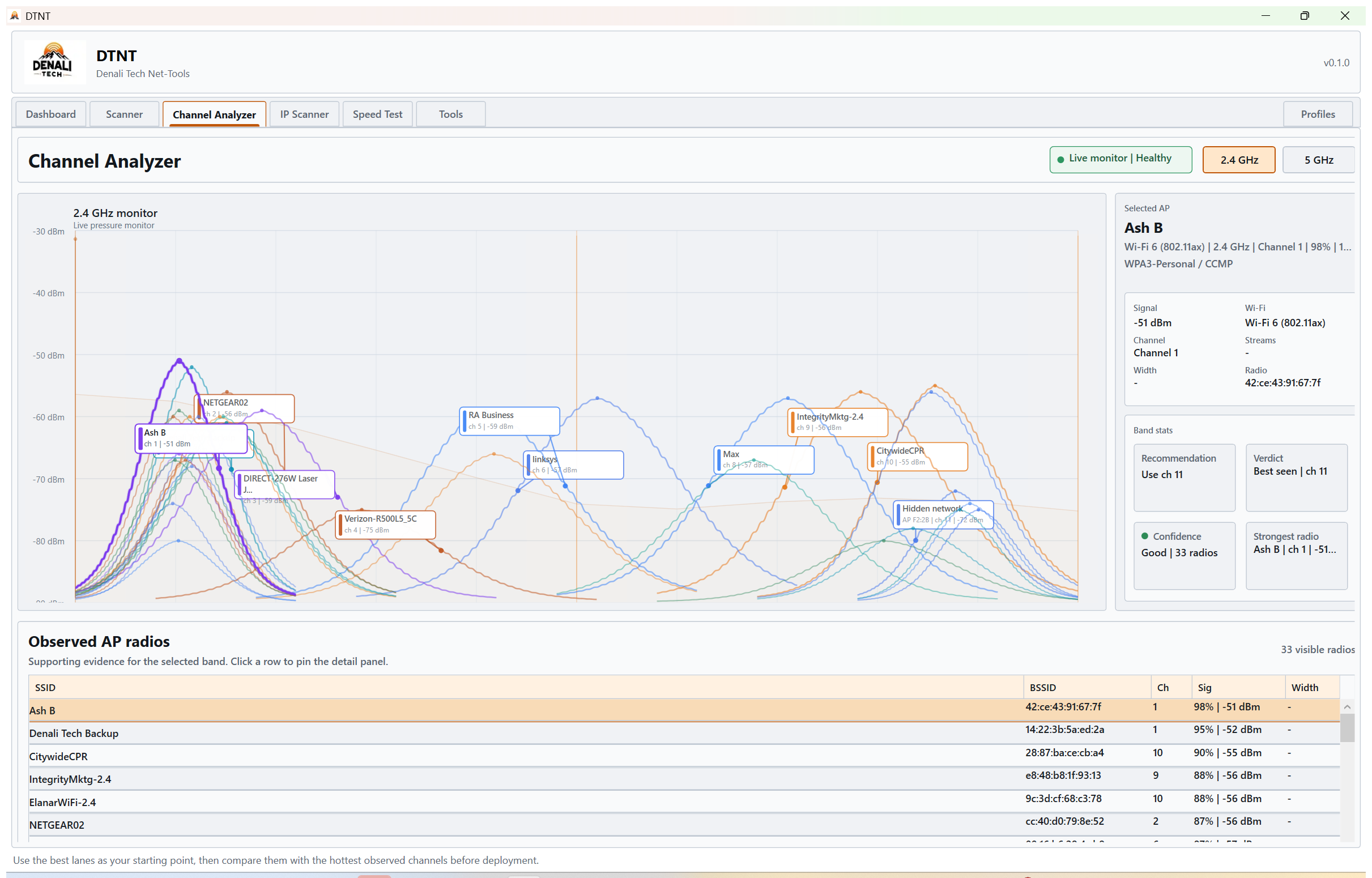
DTNT opens on the active adapter and local range so you can start from what is actually connected.
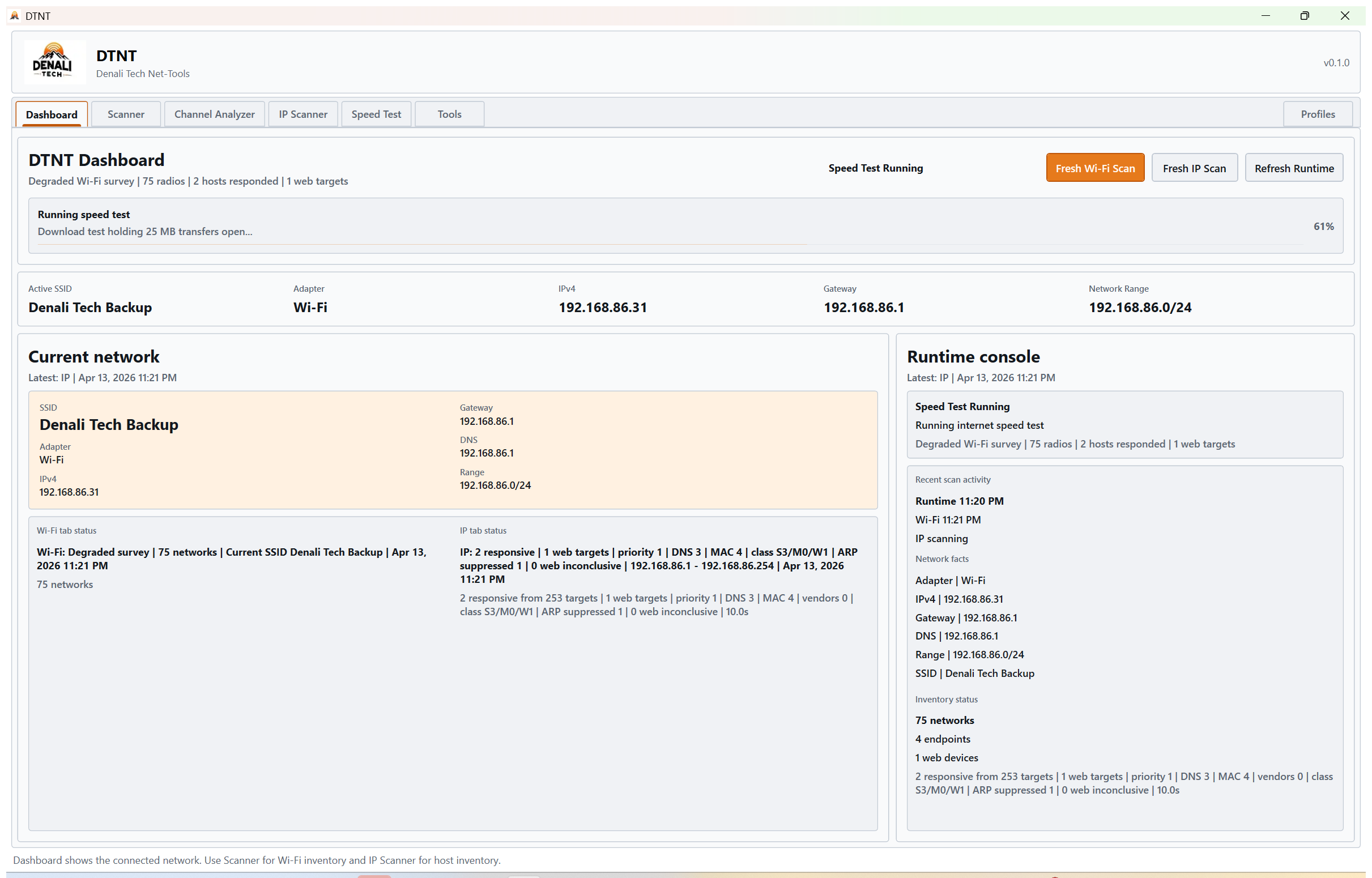
SSID, gateway, DNS, and range are already in view when the app opens.
Move from nearby radios to local devices, Copy IP, speed results, and Pro follow-up checks without jumping between separate tools.
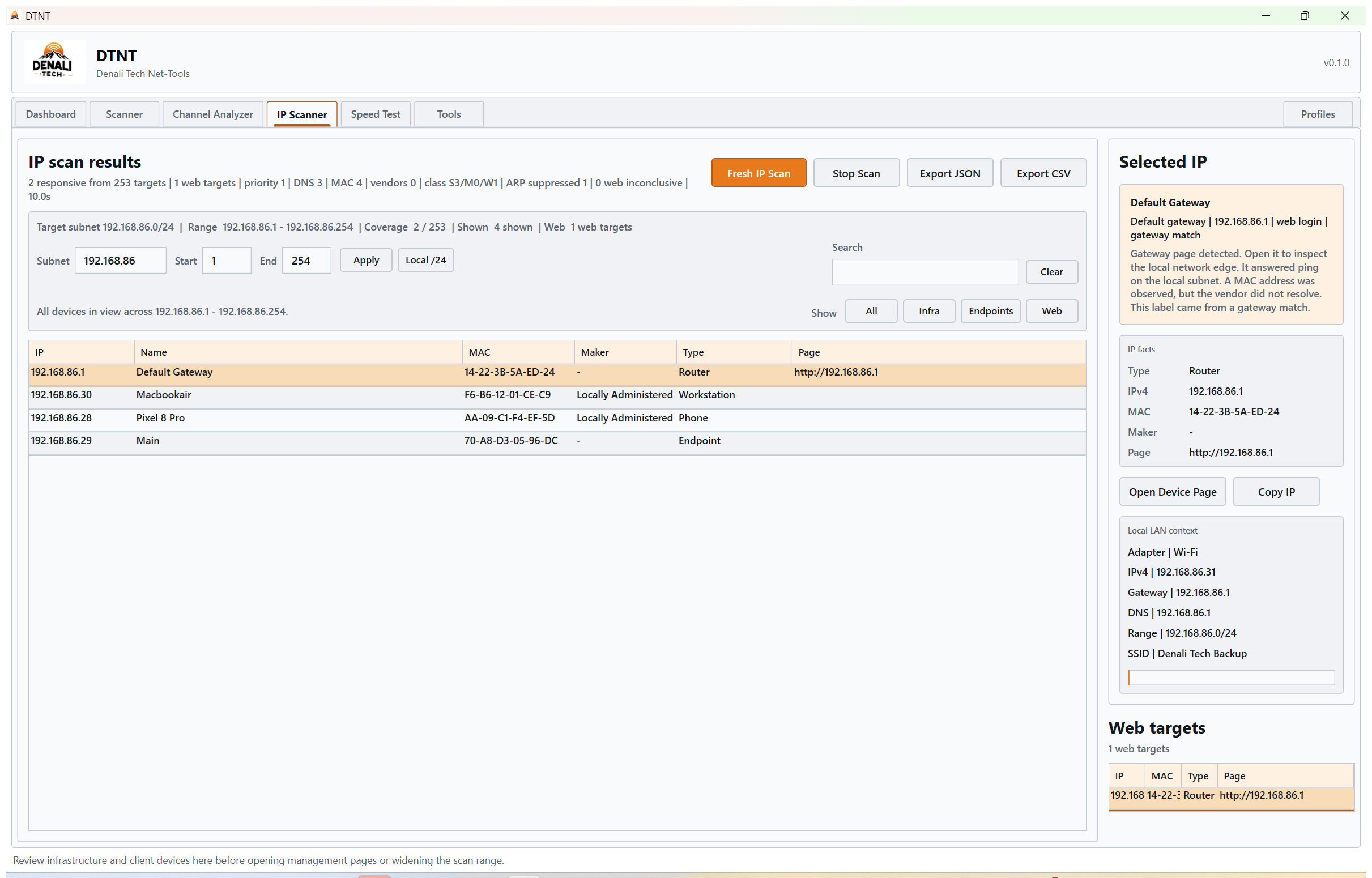
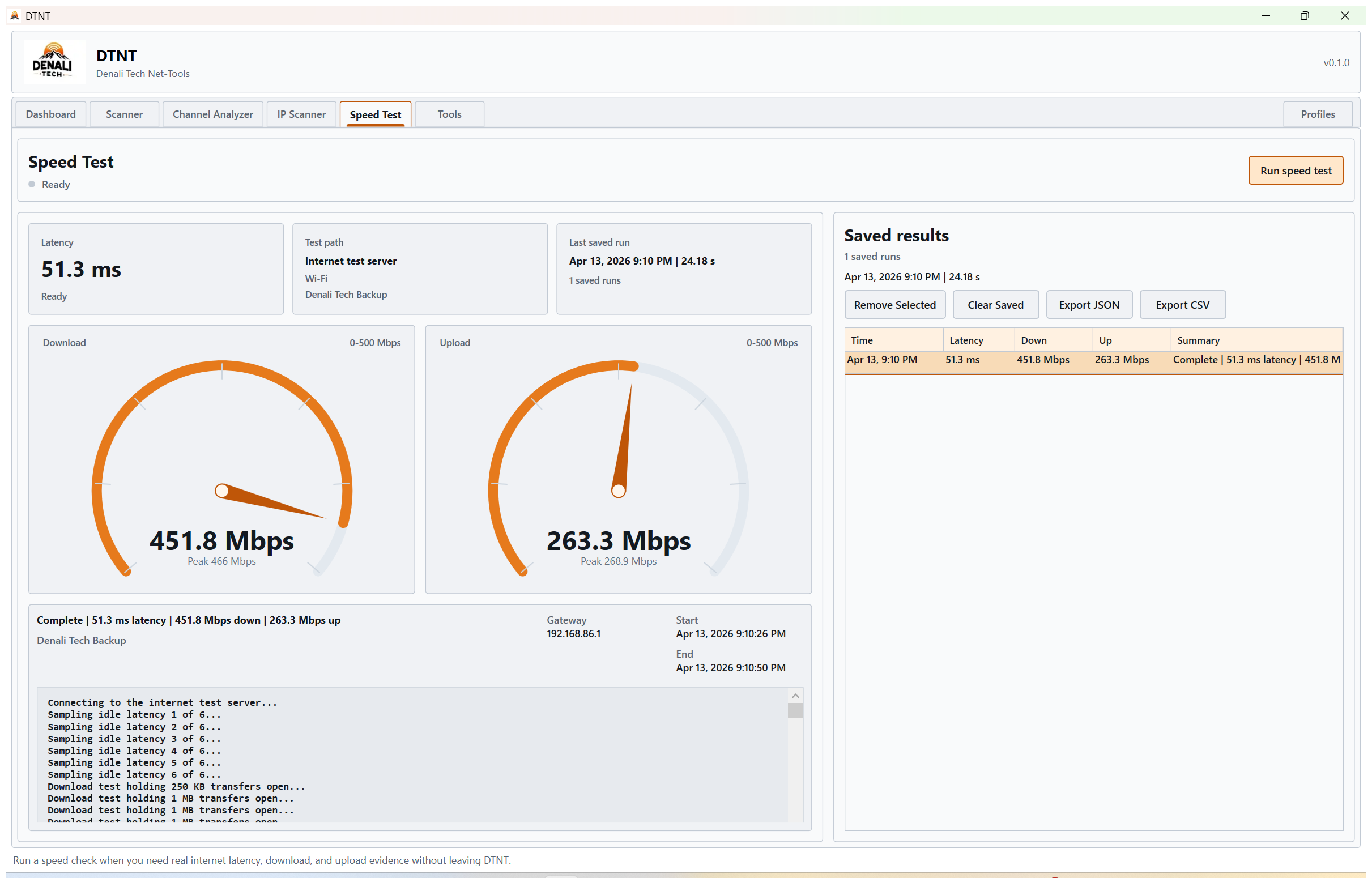
Use DTNT first. Move to Pro when best-channel guidance, device follow-up, exports, saved-key reveal, and advanced diagnostics start to matter.
Install DTNT from Microsoft Store, buy Pro through Stripe, then unlock Pro inside Profiles with the purchase email and activation code from the delivery email.
By downloading or buying DTNT, you agree to the EULA, Terms, Privacy Notice, and Refund Policy.
These are the questions people usually ask before they install DTNT, move to Pro, or decide which install path fits the machine in front of them.
Yes. DTNT is built for Windows 10 and Windows 11.
Microsoft Store is the preferred path for the Windows app. If Store access is blocked on a machine, contact Denali Tech support for the best backup path.
Yes. Free lets you use the main field workflows first. Pro unlocks best-channel guidance, selected-host follow-up, exports, saved-key reveal, and advanced diagnostics.
Buy Pro through the secure checkout, then activate inside Profiles with the purchase email and activation code from the DTNT delivery email.
Use the pages below for features, install details, pricing, activation, and release updates.
See how DTNT handles Wi-Fi surveying, channel analysis, device discovery, speed tests, and saved profile review.
Open feature guideGet DTNT from Microsoft Store, review install paths, and check platform support before deployment.
Open download guideReview the Pro activation flow, delivery expectations, and support guidance before customer handoff.
Open activation guideCompare free and Pro so the buying path stays easy to understand.
Open pricing guideAnswer common questions about installs, updates, Store availability, licenses, and the Windows support path.
Open FAQTrack product changes and release improvements as DTNT keeps moving forward.
Open changelogInstall from Microsoft Store and move to Pro when recommendations, selected-host follow-up, exports, and repeat-use workflows start to matter.
Need the policy details first? Read the Privacy Notice, Refund Policy, and the rest of the DTNT legal terms.